---
title: "Apple Brand"
url: "https://flightdeck-help.resolutiondigital.com.au/en/article/apple-brand"
language: "en"
last_updated: "2025-01-28T06:10:24.138Z"
---
# Apple Brand
Add/Edit/Delete Apple Brands.
## **How to get to Apple Brand?**
| 1\. Go to **Reports** from Side navigation Menu | 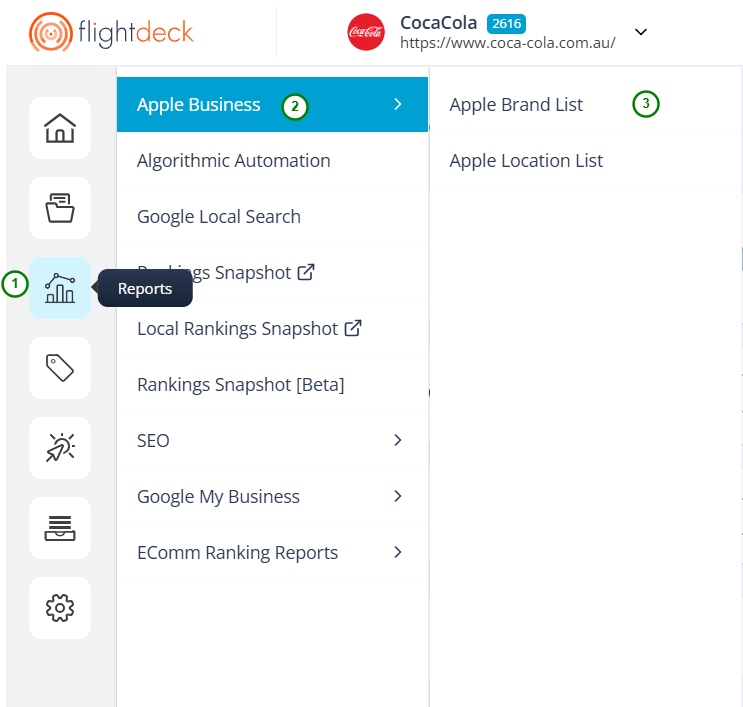 |
| --- | --- |
| 2\. Click on **Apple Business** | |
| 3\. Click on **Apple Brand List** | |
At first, you will not be Authorized to access the Apple brands APIs to add/edit the brands details.

> **You need to contact Flightdeck Administrator in order to get authorized to access the Apple Brands and Apple Brand Location APIs.**
After getting authorized to access the Apple Brand and Apple Location module from the Flightdeck Admin; you will be landed in Apple Brand List Page.
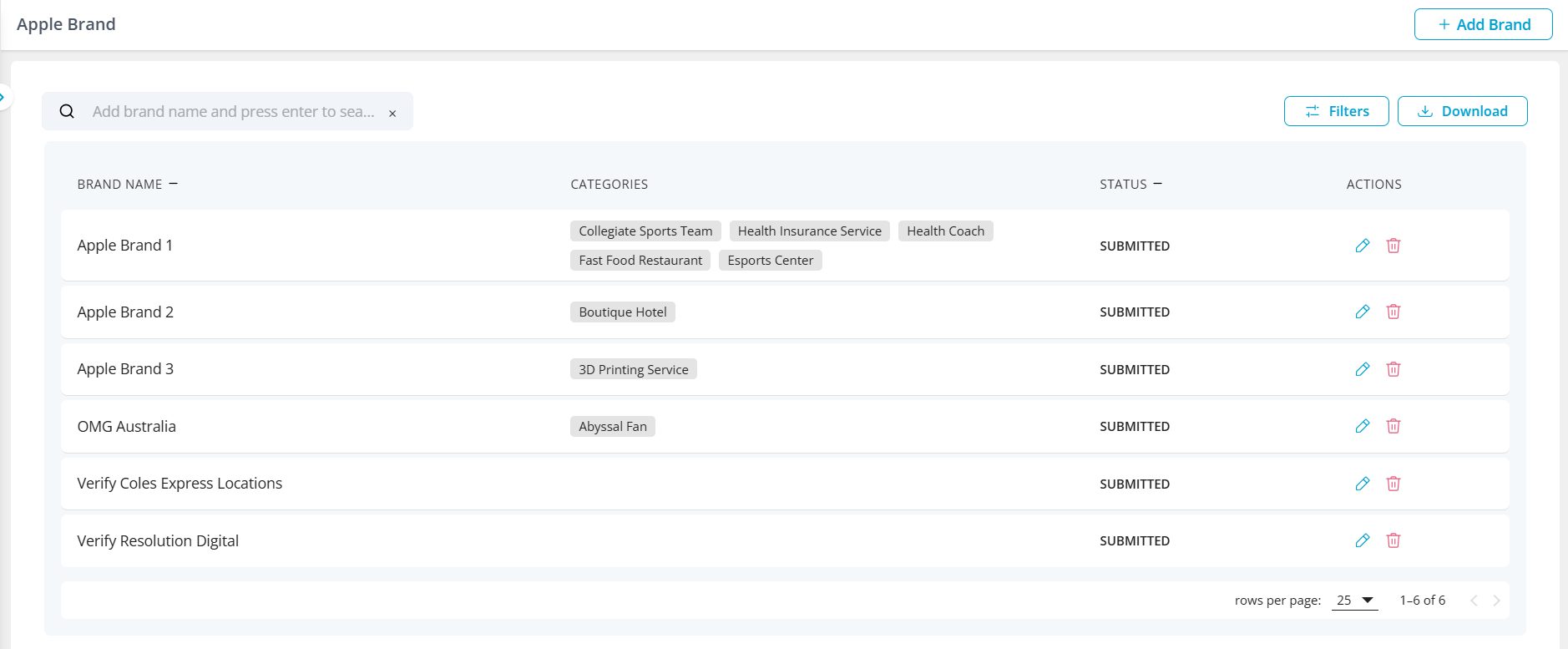
Here, you will be able to Add, Edit, Delete the Apple Brands.
* * *
### **1\. Add New Brand**
1\. Click on **Add Brand** button.
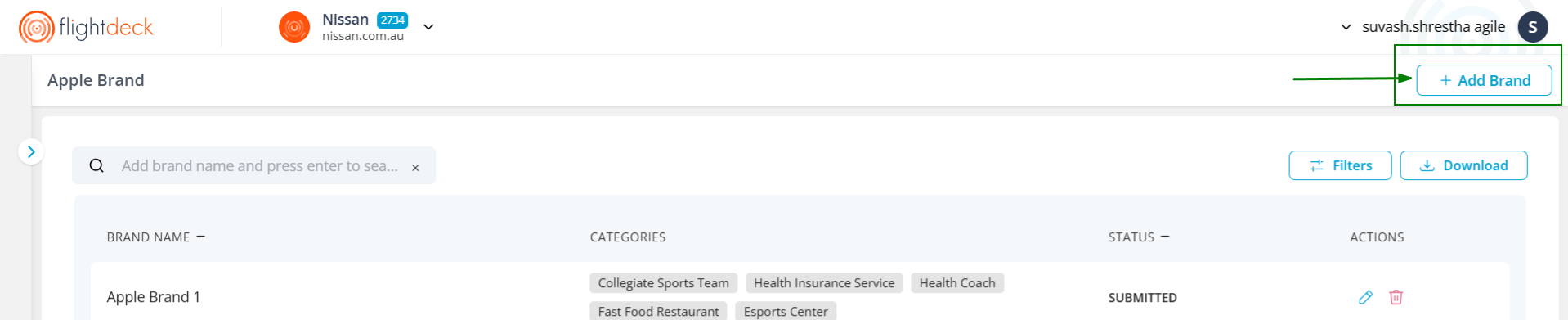
2\. In the drawer modal;
| 1\. Enter the **Brand Name.** | 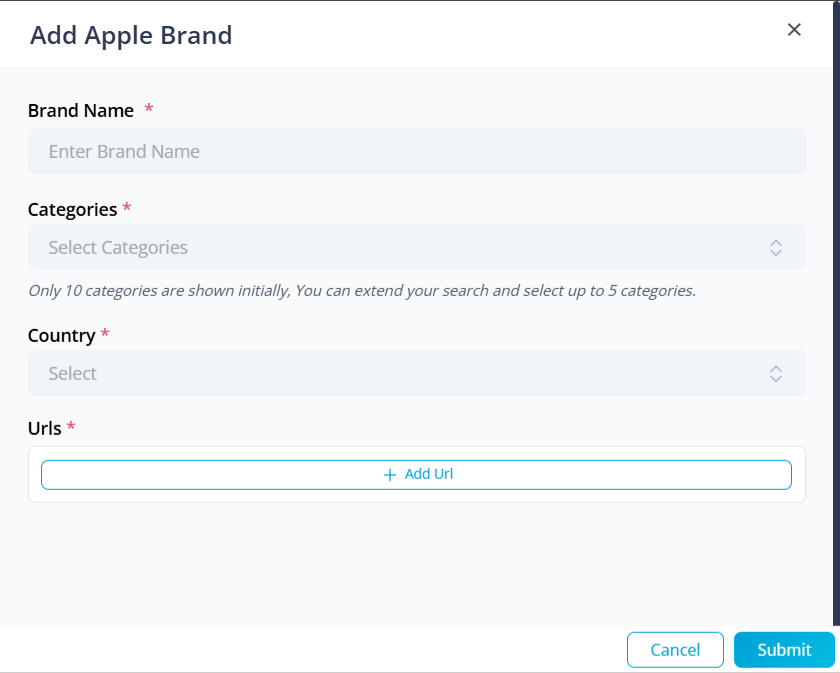
 |
| --- | --- |
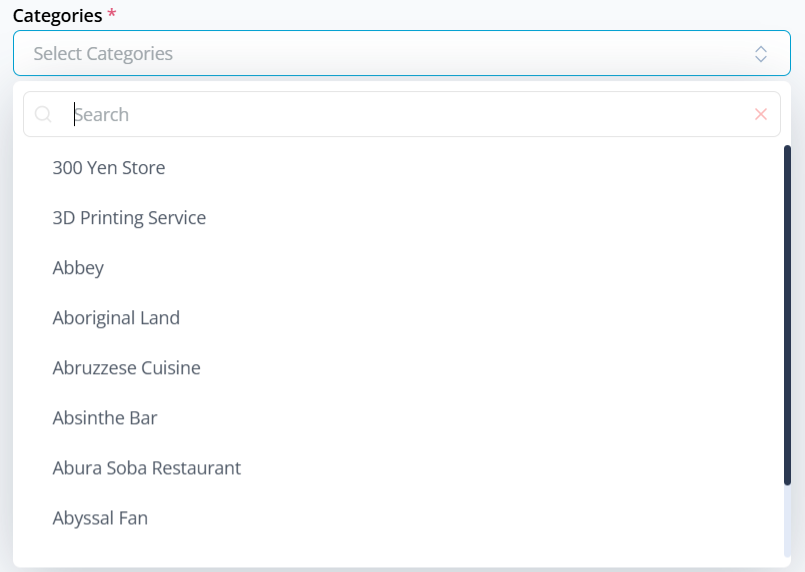
| 2\. Select the **Categories** from the drop-down.
*Only 10 categories are shown initially, You can extend your search and select up to 5 categories.* | |
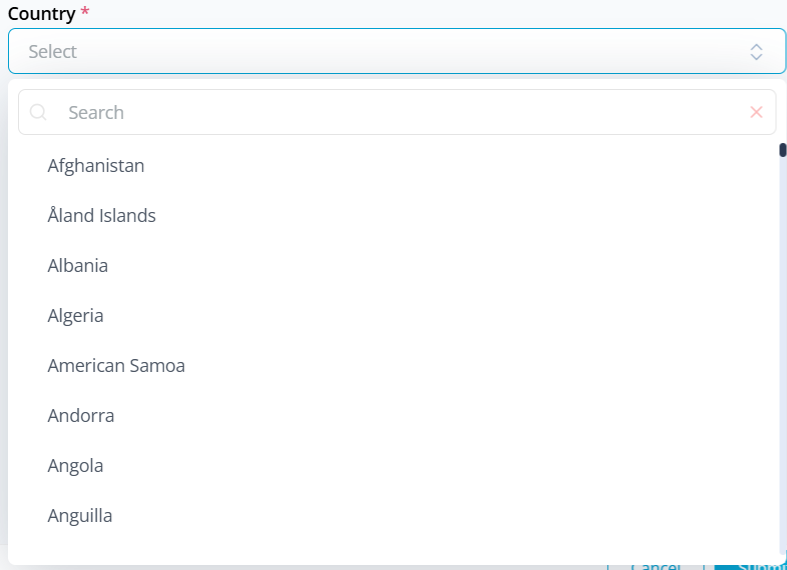
| 3\. Select **Country** from the drop-down. | |
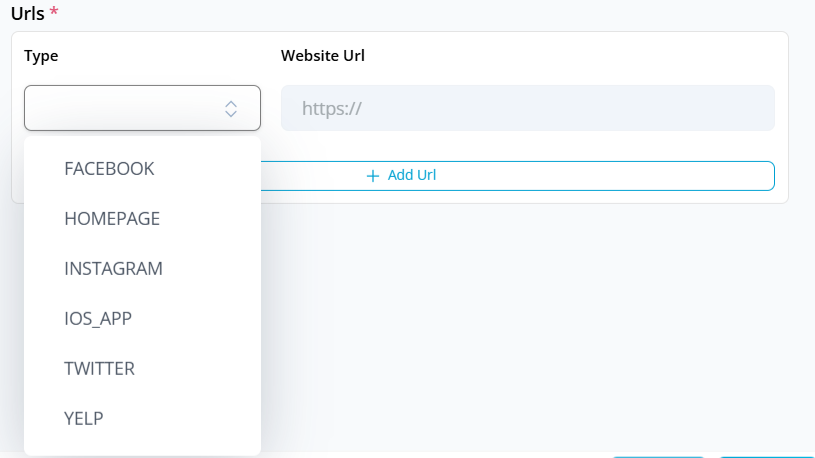
| 4\. Click on **Add Url** button.
- You need to enter at least one URL type for your Brand. | |
Now, your settings should look something like this
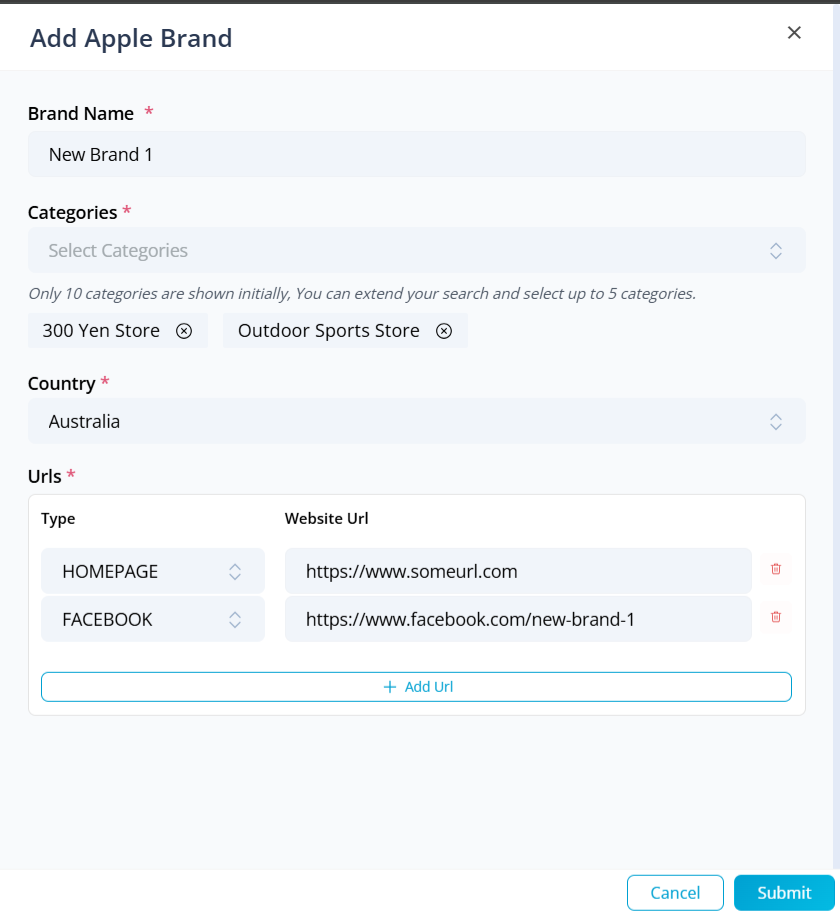
5\. Click on **Submit** button to add the Business. By doing this, the Business is added to the company in the Apple's Dashboard.
* * *
### **2\. Edit Existing Brand**
1\. In the table grid, Click on **Edit** button alongside your Brand Name.
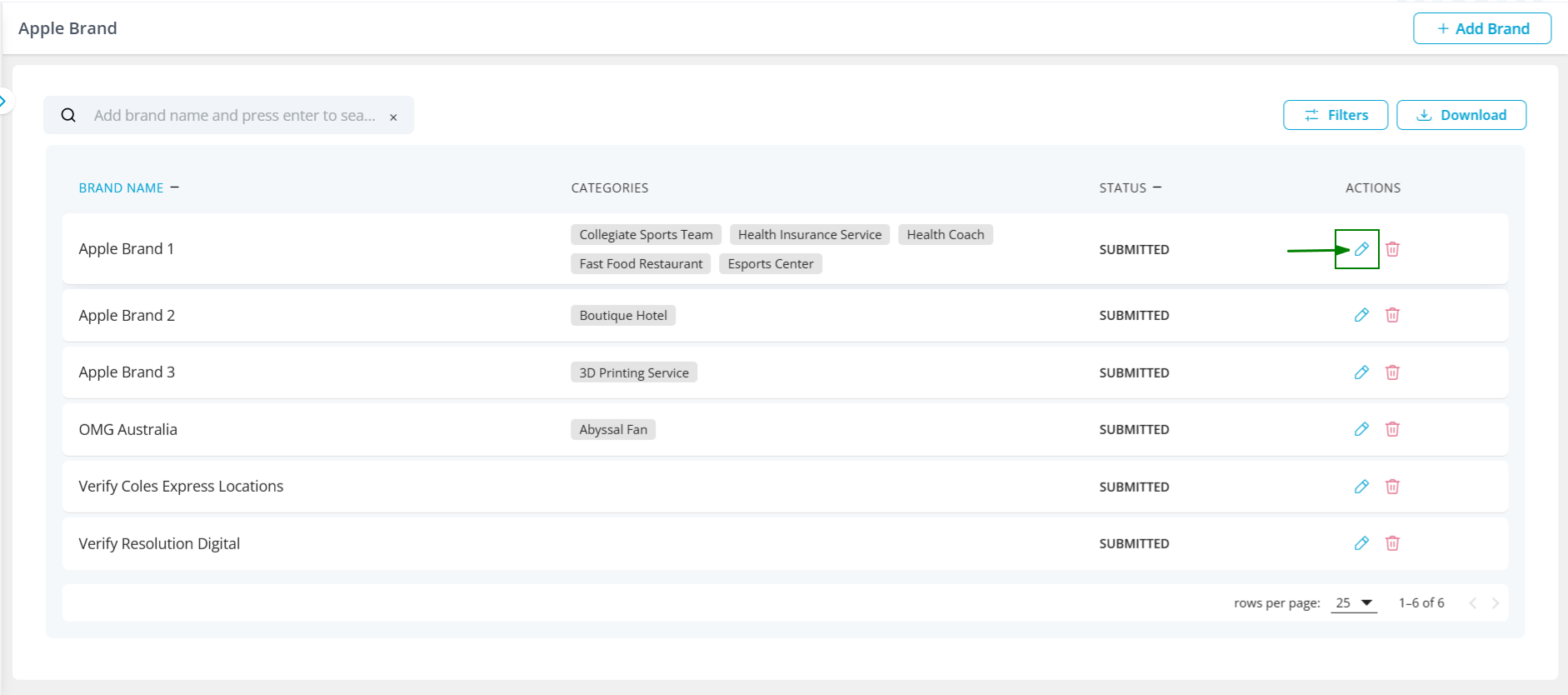
2\. Now the drawer modal opens up
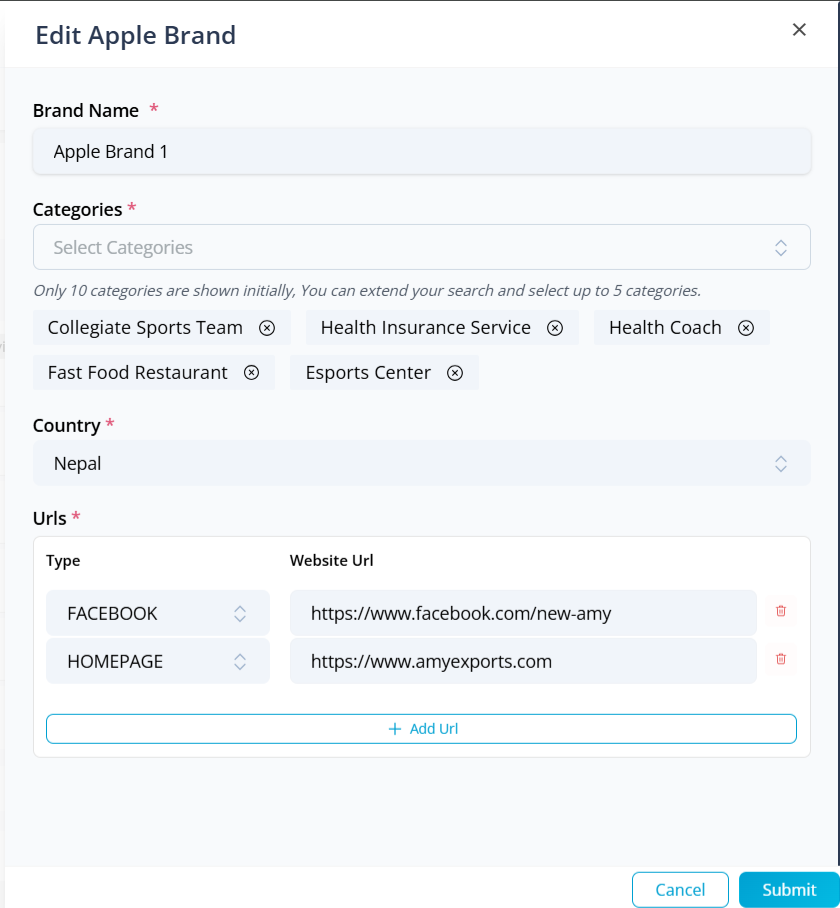
3\. Make the required changes and click on **Submit** button; By doing this, the Brands information is changed in Apple Map and Apple Business Dashboard.
* * *
### **3\. Delete Brand**
1\. Click on **Delete** Button alongside the Brand Name.

2\. Click on Yes button
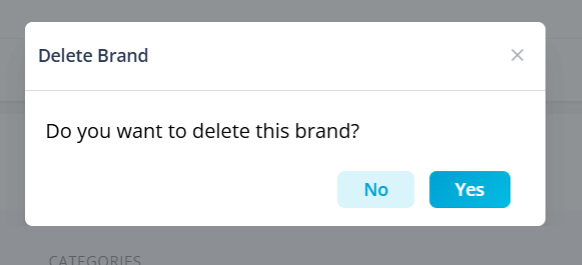
By doing this, the Brand will be deleted from both Flightdeck and Apple.
* * *
### **4\. Searching and Filtering Existing Brand**
#### **a. Searching**
1\. Brands can be searched by entering search-keywords in the Search bar and press Enter in the keyboard

2\. You can enter multiple keywords for searching purpose

#### **b. Filtering**
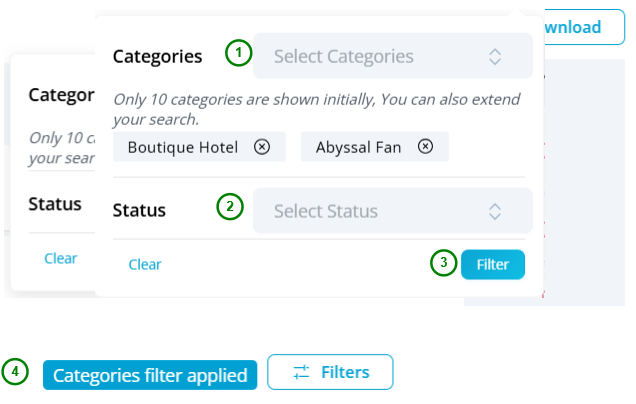
1\. You can perform filtering from Categories applied to brands and the status of the brands.
2\. Click on **Filters** button
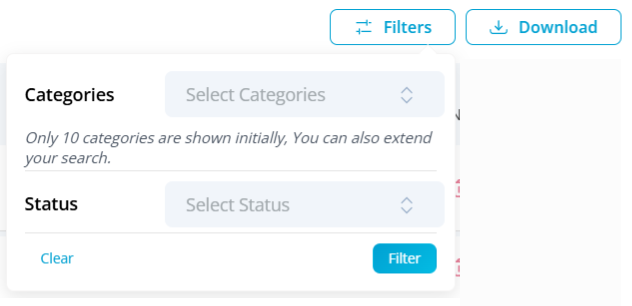
3\. Select the required filter items and click on **Filter** button.
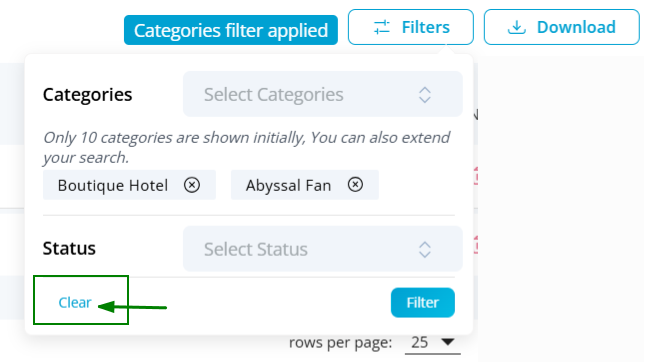
4\. Click on **Clear** button in the filter expansion to clear applied filters.
* * *
### **5\. Downloading Existing Brand report**
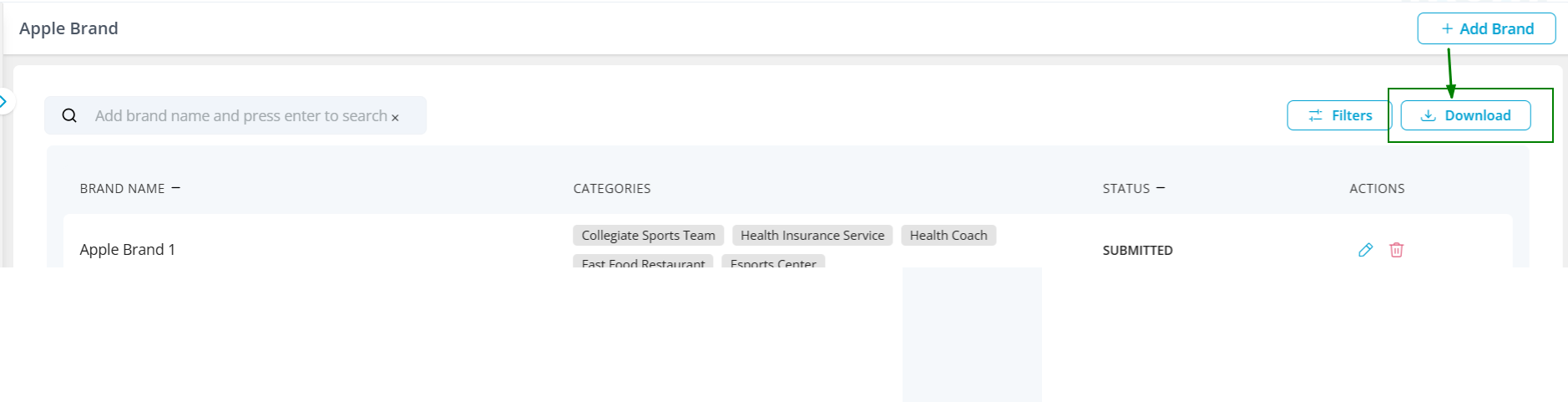
Click on Download button to download the Brands list.
* * *
Go to [Apple Brand Location](https://flightdeck-help.resolutiondigital.com.au/en/article/apple-brand-location)